 AmSo Advanced Dataset Labeler

Overview
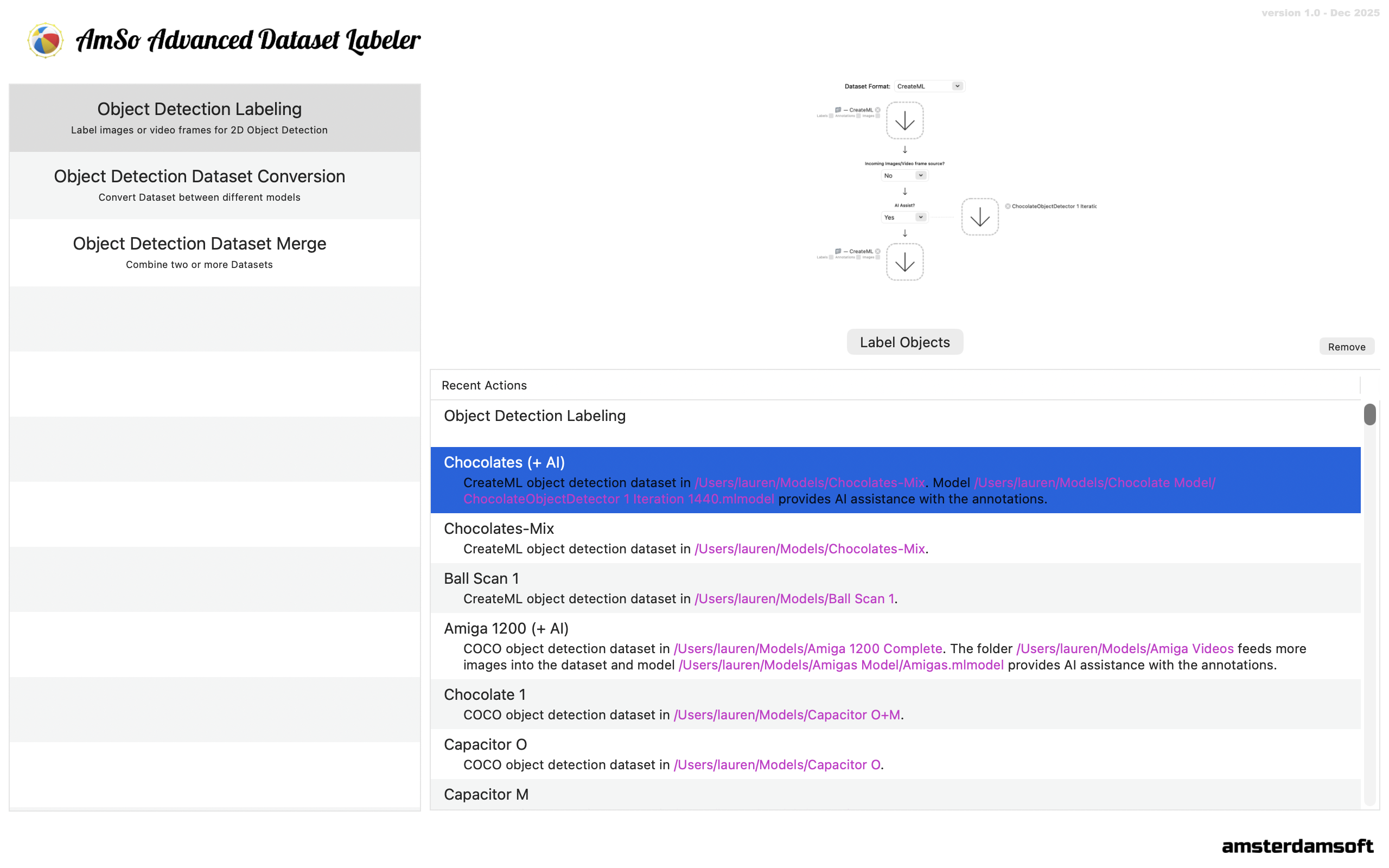
AmSo Advanced Dataset Labeler is a tool for creating and maintaining, converting, and merging annotated images and video frames to train Object Detection models. Its design and editing features are for rapid annotations and it is backed by a powerful AI engine and related tools to assist with that task.
Label Images
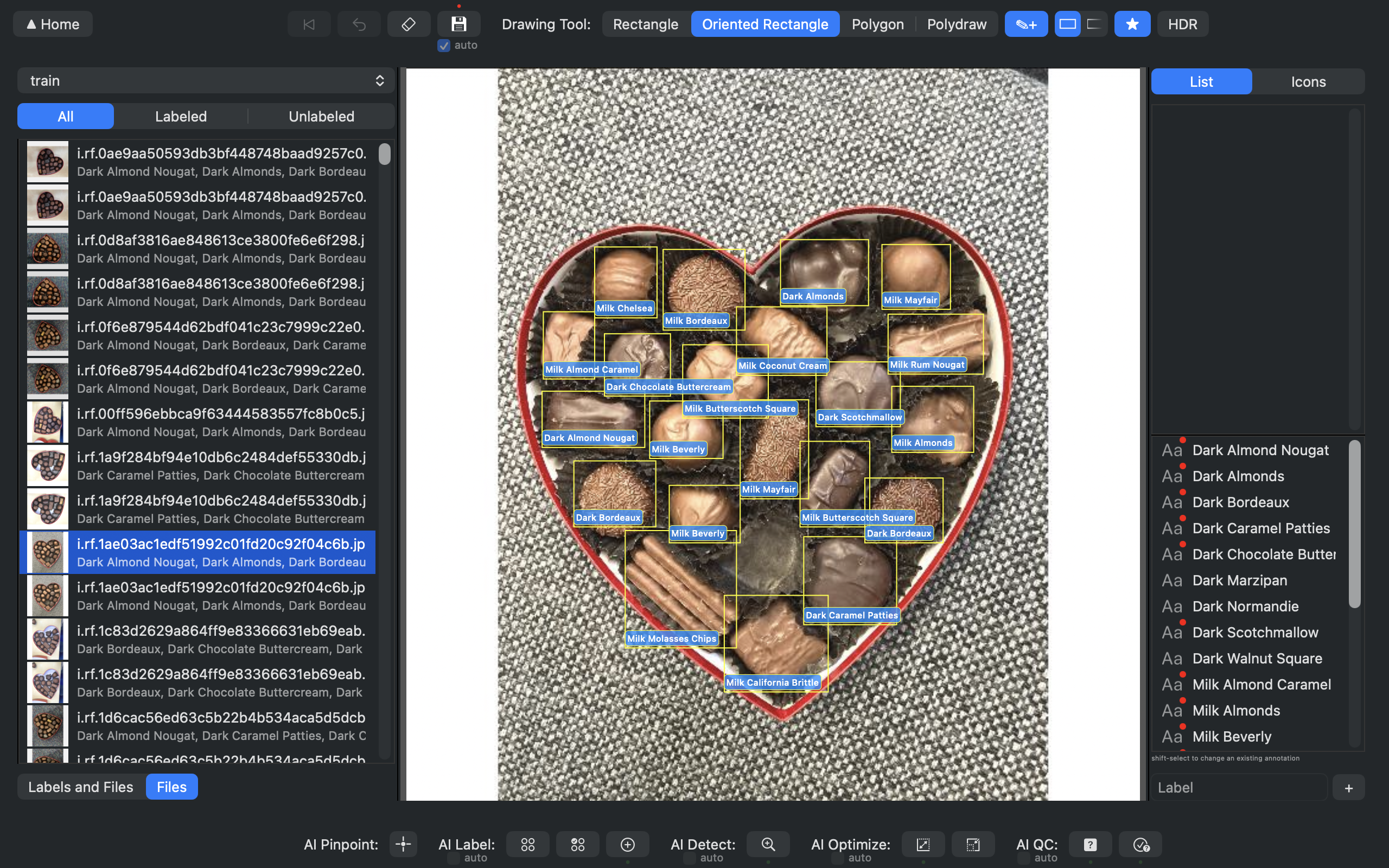
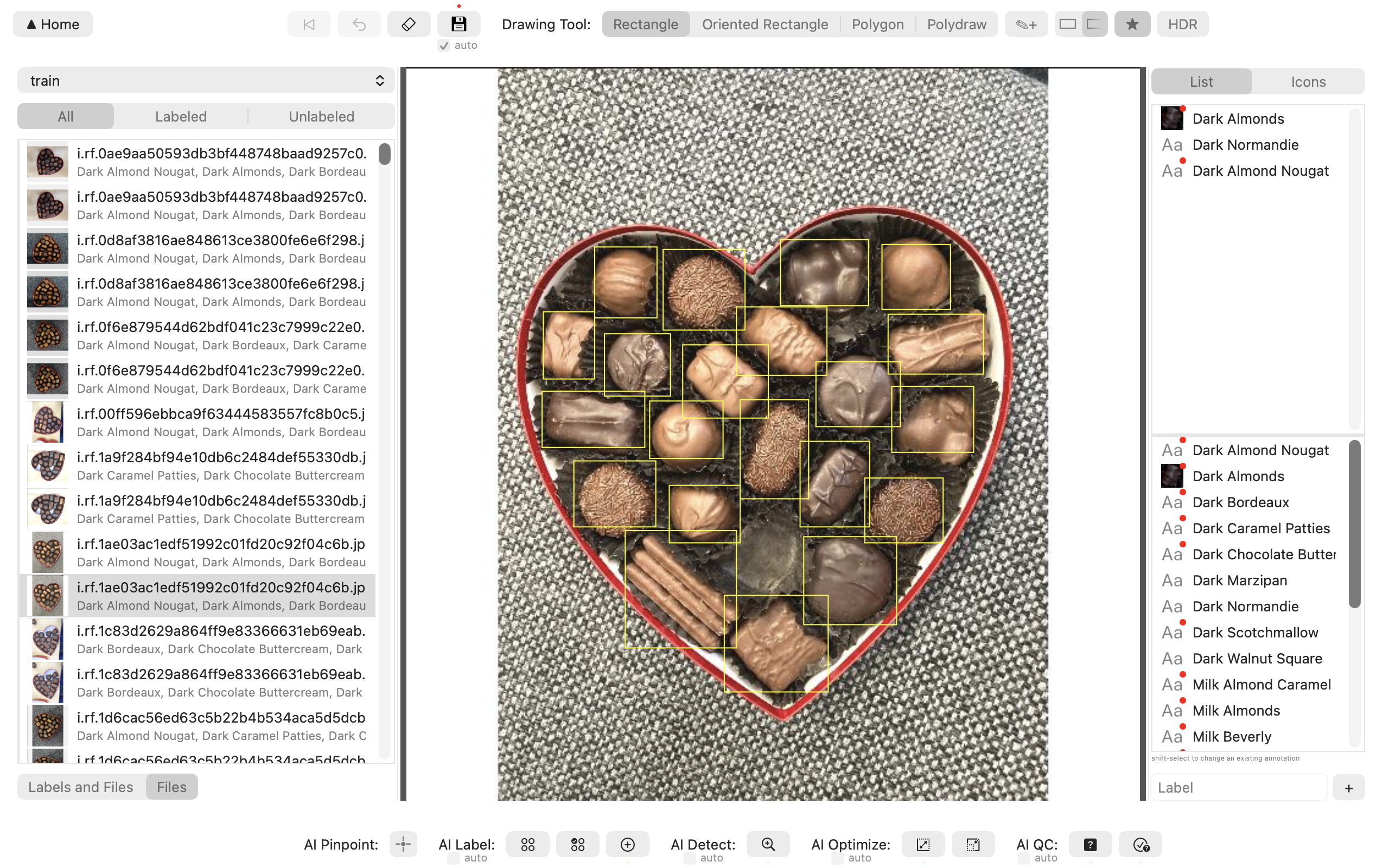
Object labeling (annotating) is at the heart of AmSo Advanced Dataset Labeler and given it is something that may be performed in significant quantities, the tool is intentionally designed to make it easy and painless to you. It allows for viewing, assigning, or replacing labels, filtering images, and creation of images from video files (while keeping track of the connection to the video) all within one single screen. And it does it without use of popup or other design elements that would break your flow.
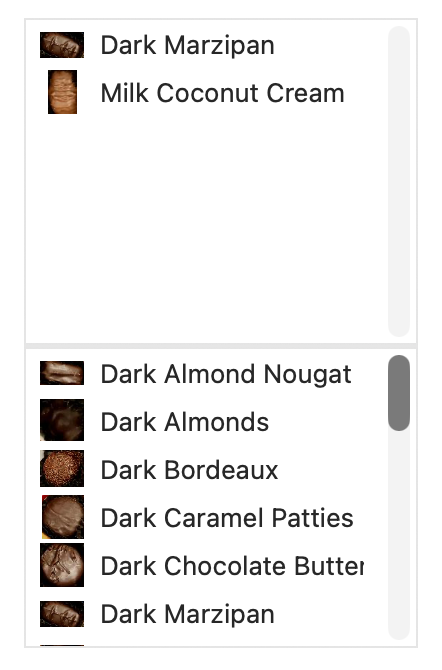
You can narrow down the files you are working on:

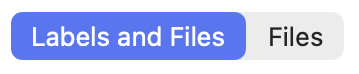

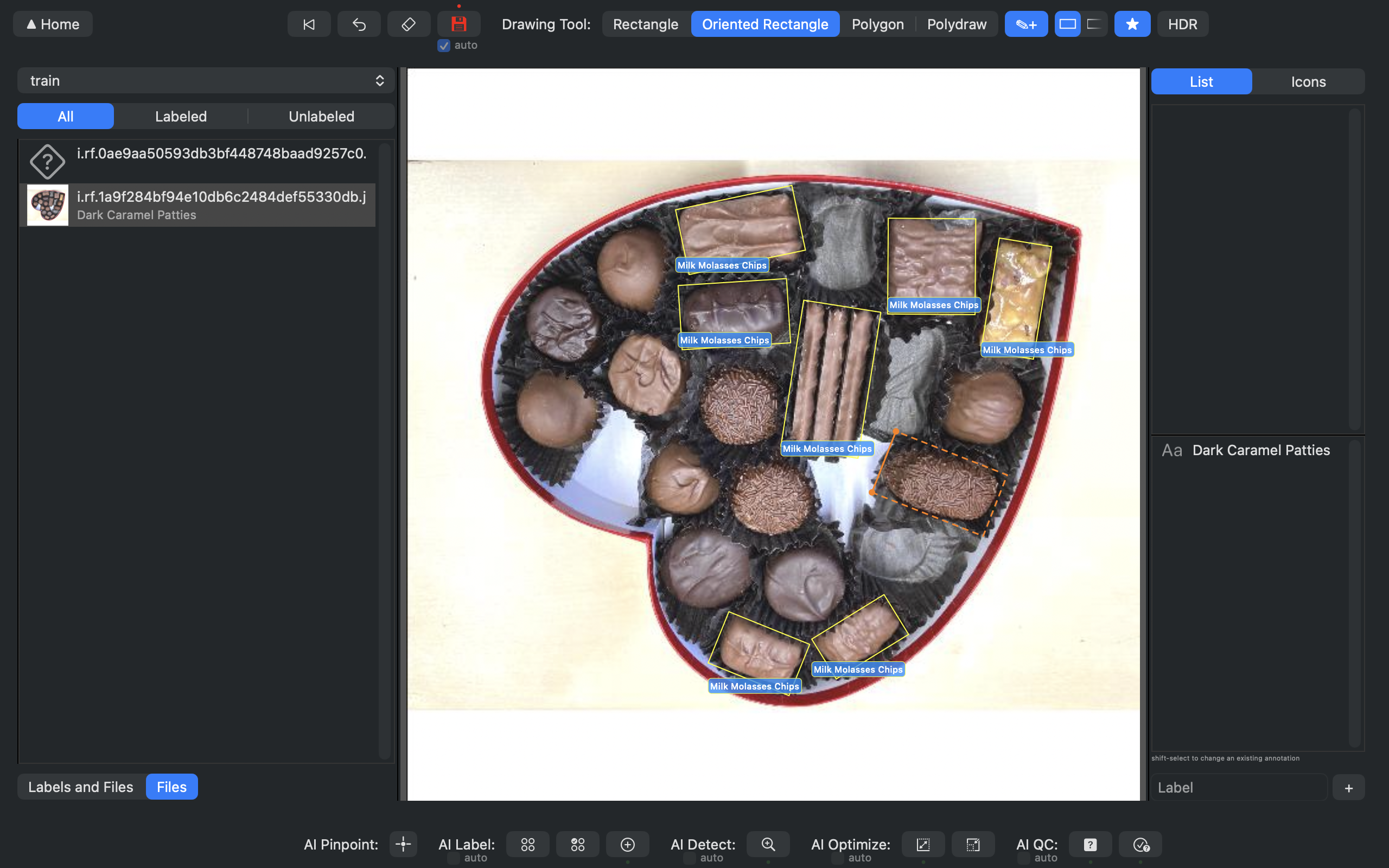
Label new items manually and track your changes:



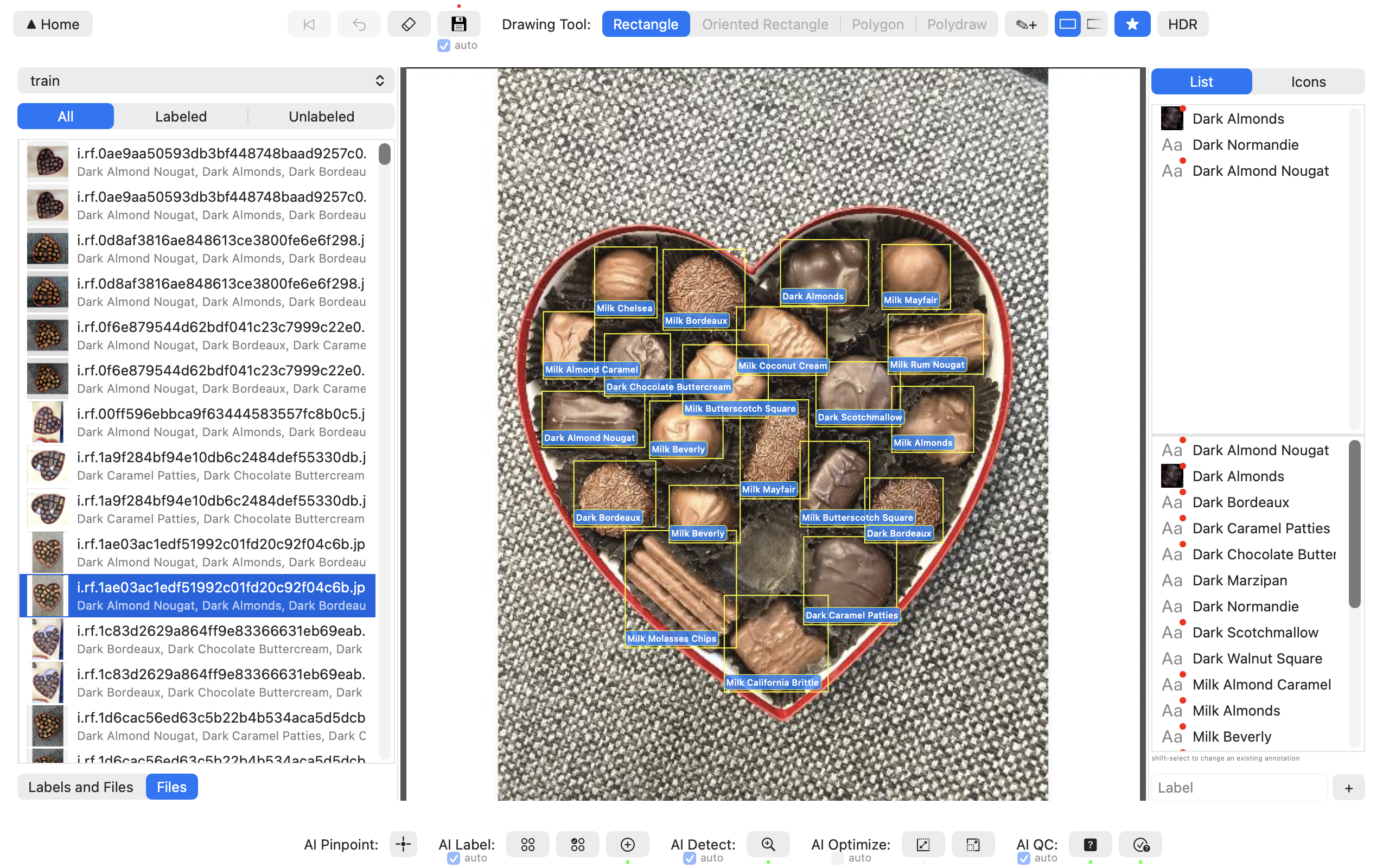
Reduce on-screen clutter by choosing how labels are shown and use HDR to see bounding objects more easily.

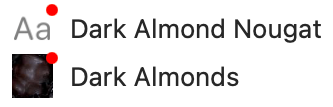
See labels as text or with images and choose favorite/common items.

Control when and how changes are saved. (While editing each image it is also possible to revert it or undo changes)
AI Assisted Image Labeling
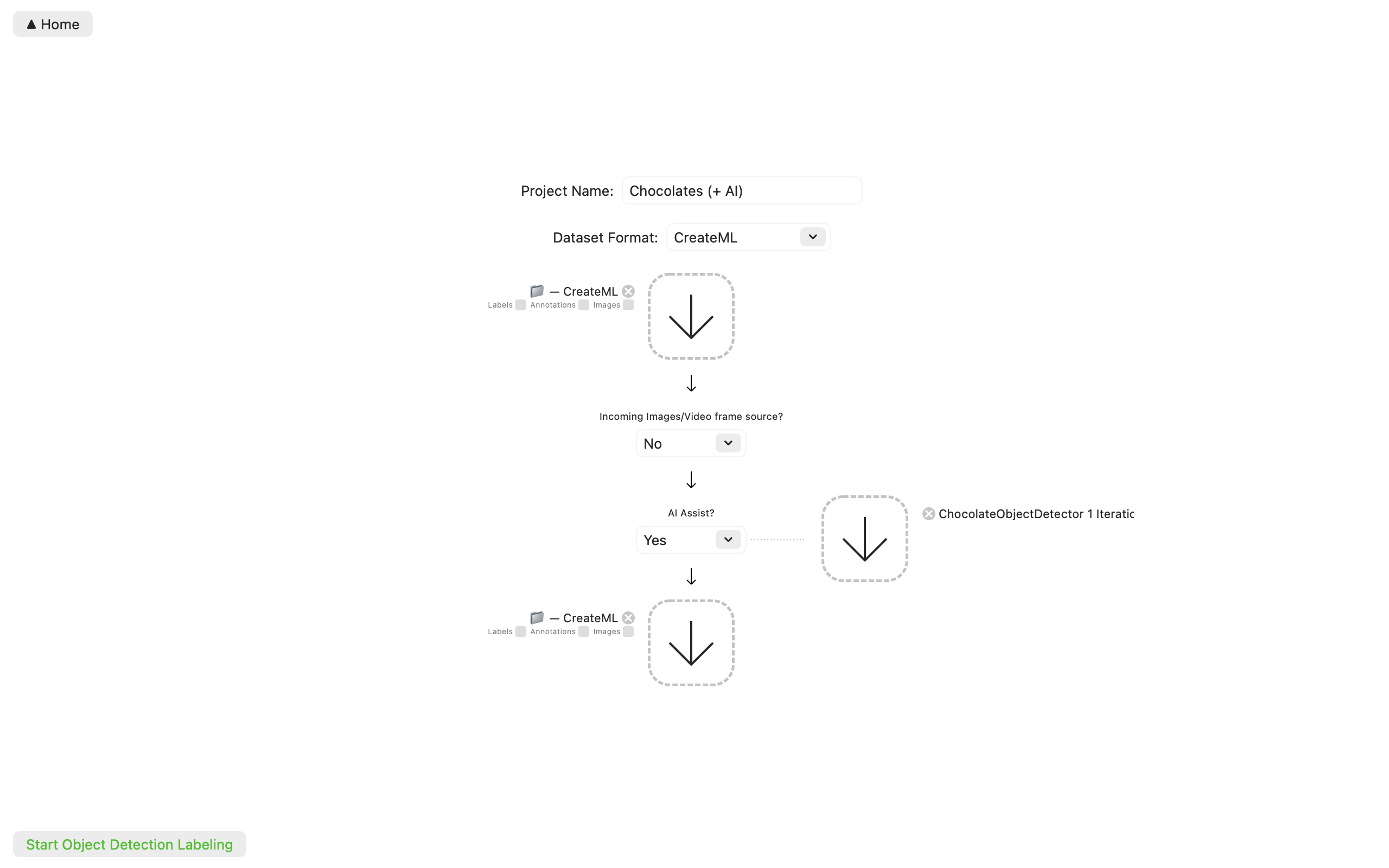
AmSo Advanced Dataset Labeler allows the AI models you have built with your data to assist with labeling of more data. AI can be used to detect objects to annotate, label them, or optimize or quality check work already performed.

Convert Datasets
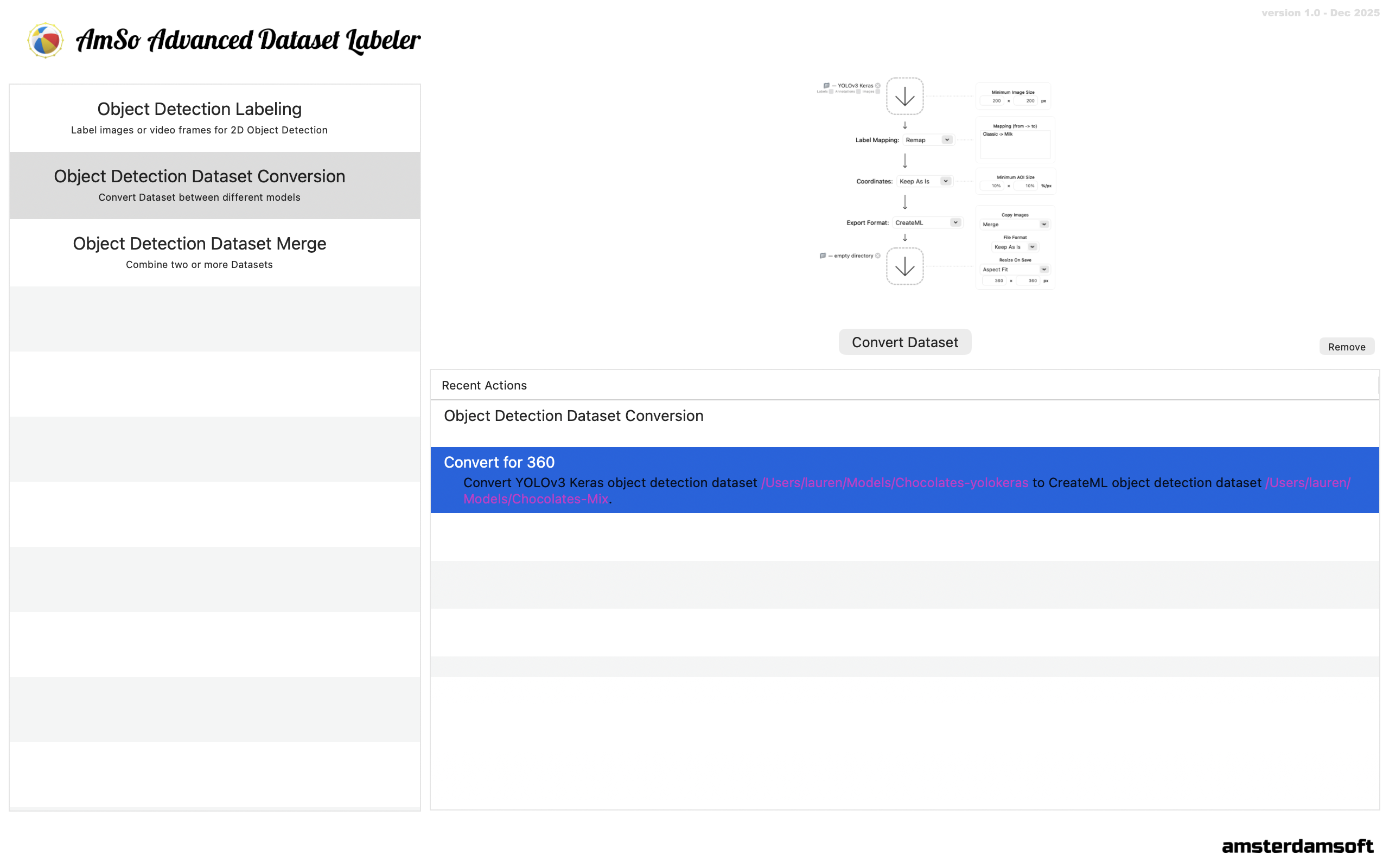
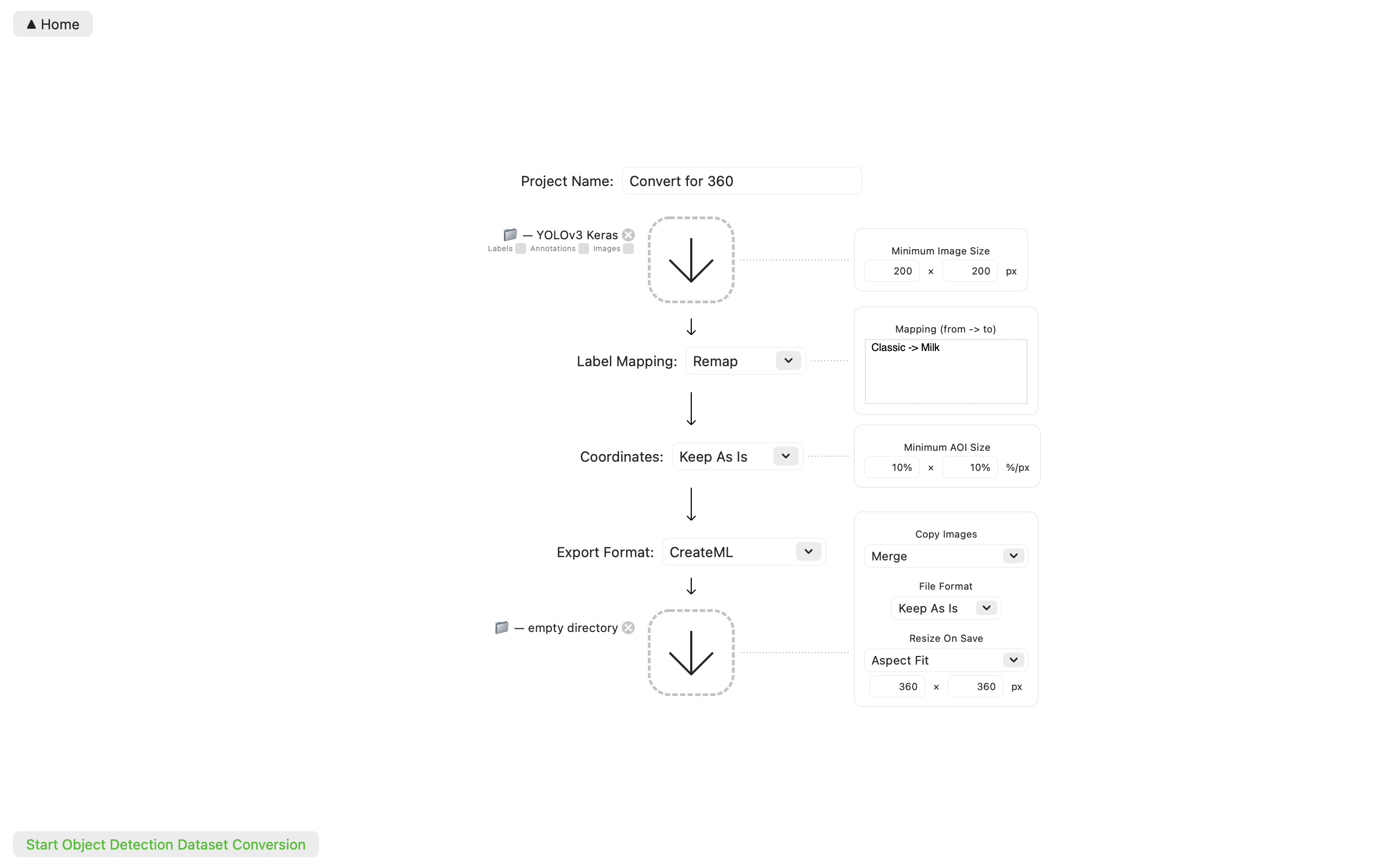
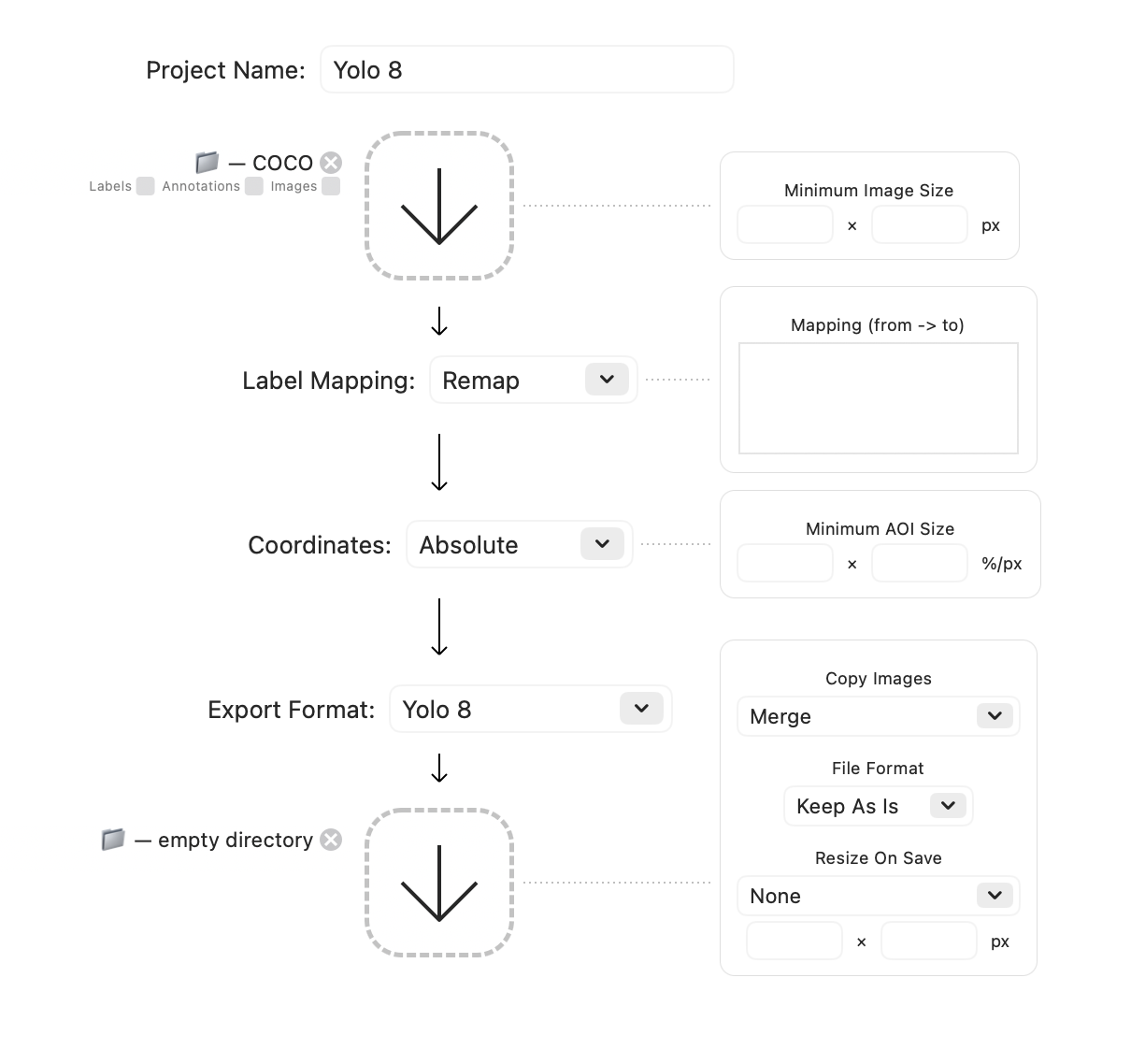
AmSo Advanced Dataset Labeler can read datasets and convert them to a different dataset format. It can also perform a number of filtering or transformation to images, labels, and annotations in the process.
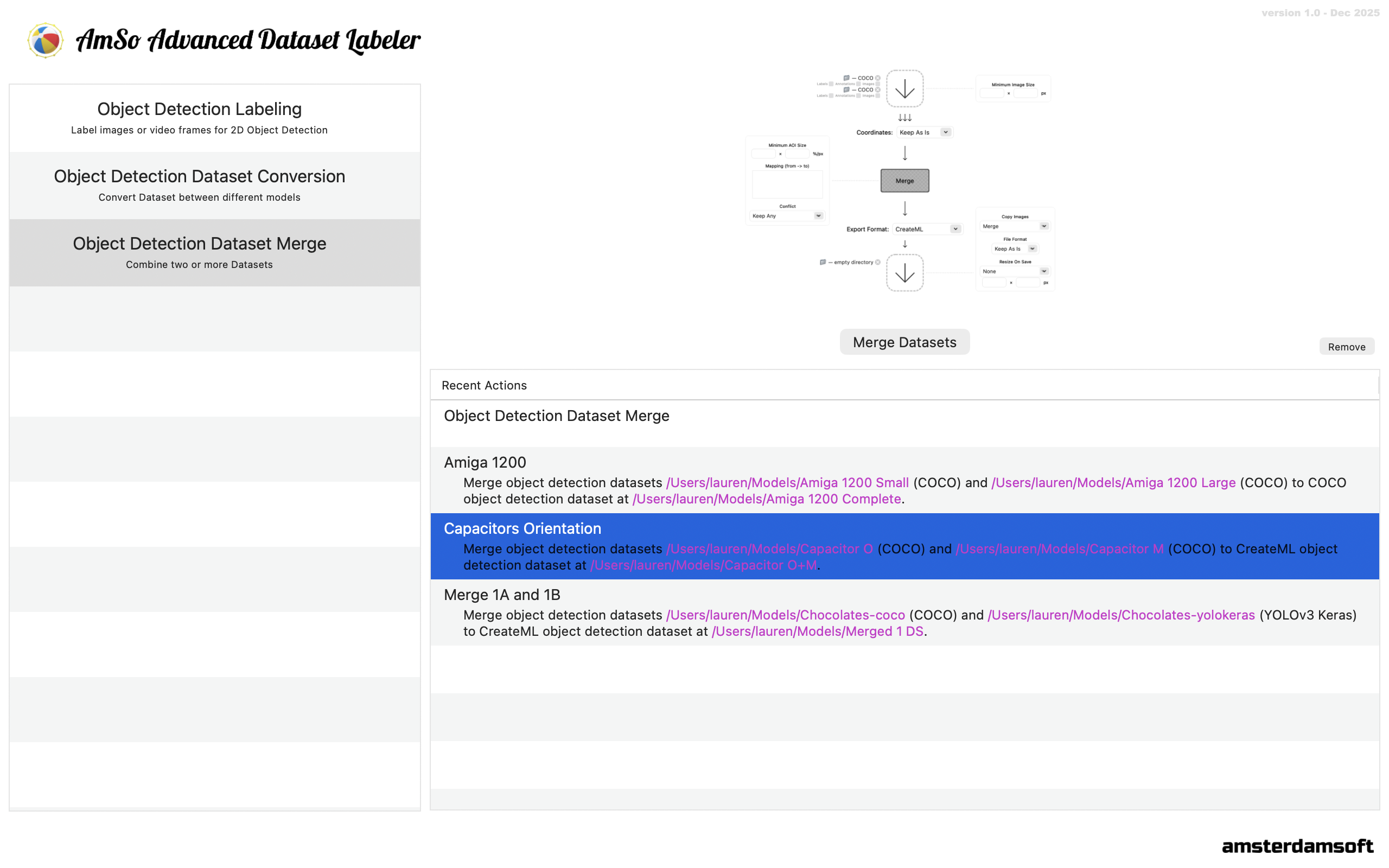
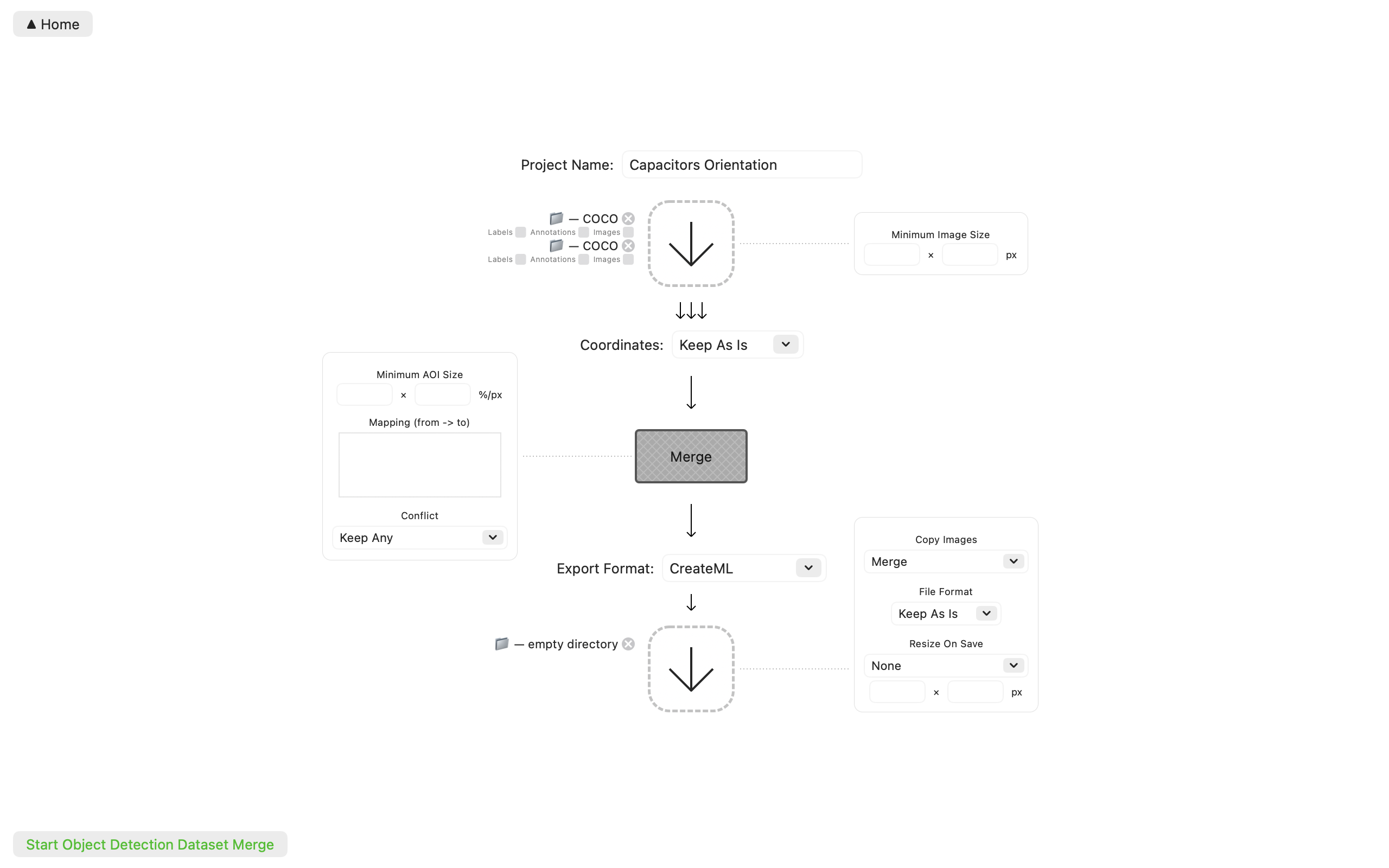
Merge Datasets
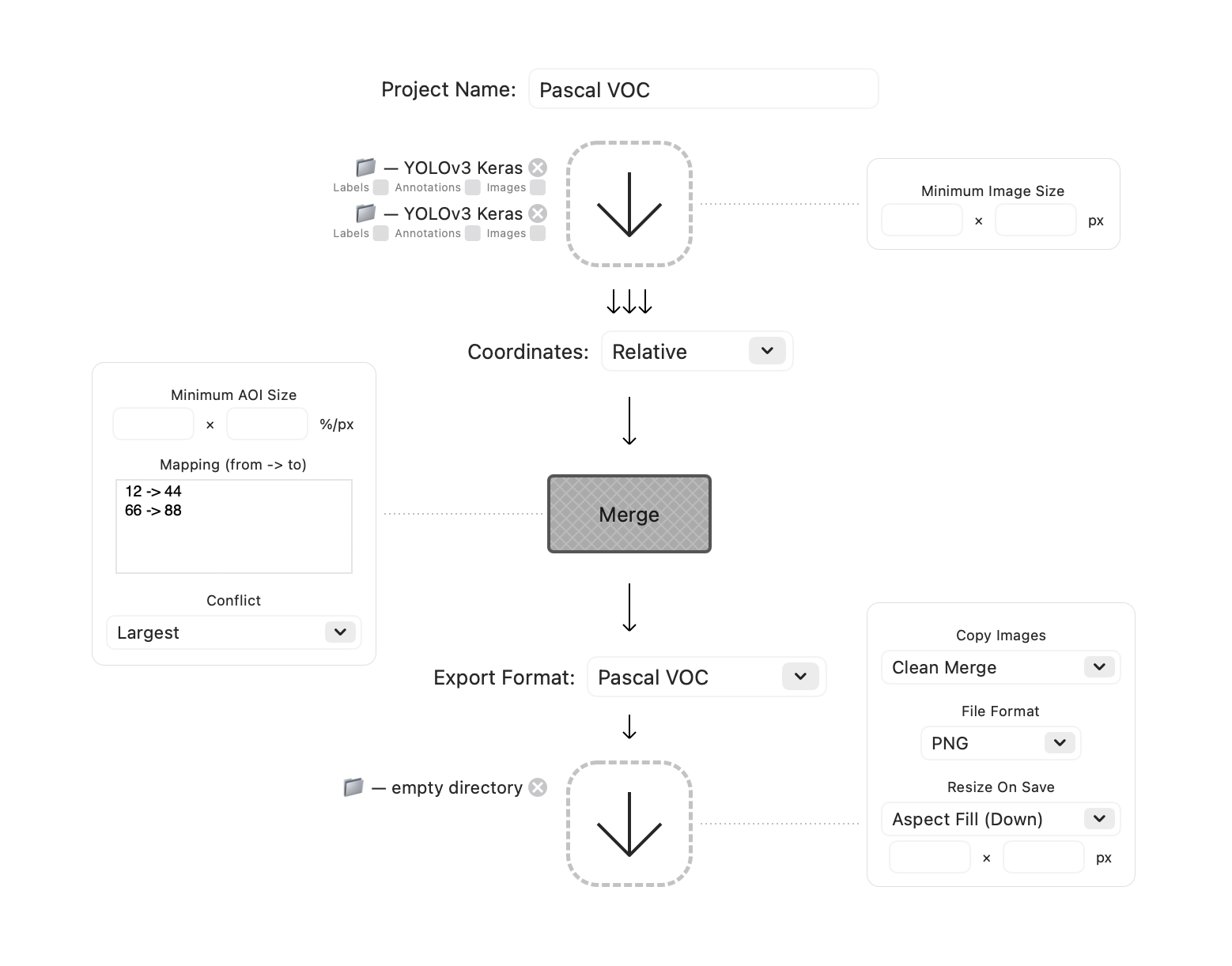
AmSo Advanced Dataset Labeler can read two or more datasets and merge them together, performing filtering or transformation on images, labels, and annotations. And handling conflicts that could arise.
Security
Unlike downloaded apps which have unlimited access to your hardware, AmSo Advanced Dataset Labeler is installed and works within the MacOS sandbox giving you full permissions control. It also minimizes use of third party libraries, significantly reducing chance of misbehavior by a buggy external library.
Notes
- Convert and Merge generally add to or overwrite the destination folder. While they request an empty destination directory to start with, they do not enforce it thereafter. For the final conversion or merge you should start with an empty folder again.
- AmSo Advanced Dataset Labeler requires macOS Ventura or newer.
- Please see support page for contact and support information.